Any questions? Give us a call 05 - 375 3220
Free delivery for orders over 1000 € / 30 days Return policy
Any questions? Give us a call 05 - 375 3220
Free delivery for orders over 1000 € / 30 days Return policy
There are countless memory cards and in the worst cases the wrong card will not work in the camera at all. In this article, we'll clear up the memory card mess.
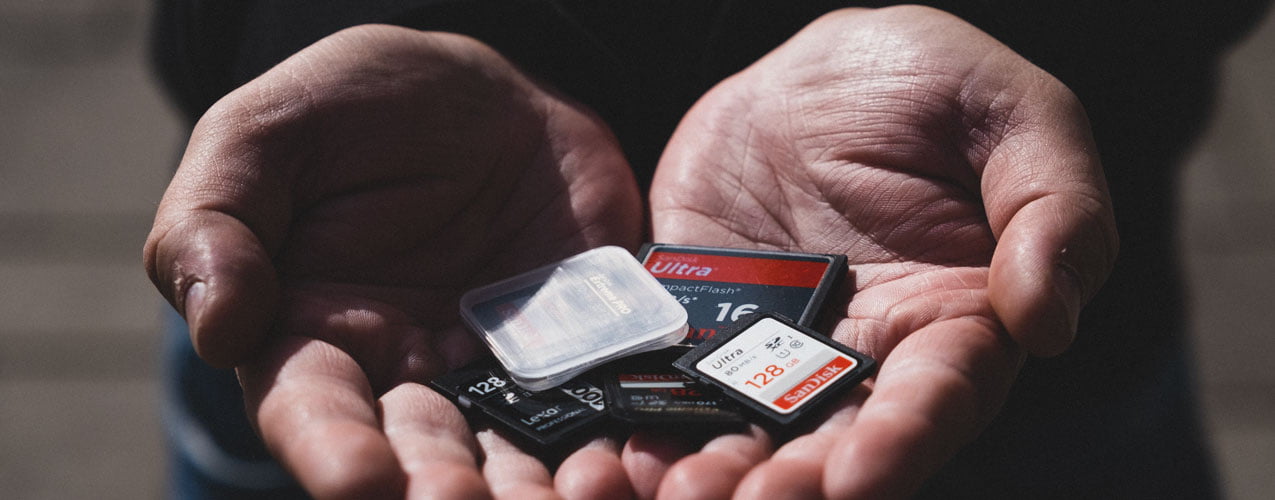
There are countless memory cards out there, and in the worst-case scenario, the wrong card won’t work in your camera at all – or your video recording will cut out just as the most important moment happens. In this guide, we’ll explain how to choose the right memory card, what different types of cards are available, and what the markings on the side of the card mean.
From the range you will find SD memory cards, microSD memory cards and CFexpress memory cards – or view all memory cards, hard drives and card readers.
The most important thing is to find a card that’s right for you your own camera and in your own way of describing. Video recording and high-speed continuous shooting clearly require a faster and higher-capacity card than taking individual photographs.
| The device and its use | Card type | Recommendation |
|---|---|---|
| Action cameras, drones and 360-degree cameras | microSD | V30 / U3, 128–256 GB |
| System camera: photography and Full HD video | SD | V30 / U3, 64–128 Gt |
| System camera: 4K video and continuous shooting | SD | V60 UHS-II, 128–256 GB |
| High bit-rate 4K, 6K and 8K video, as well as RAW video | CFexpress or SD V90 | CFexpress Type A/B or V90 UHS-II, 256 Gt+ |
| Mobile phones and tablets | microSD | A2 / V30 |
| Nintendo Switch 2 | microSD Express | microSD Express card |
Always check the requirements for your own camera in the user manual.
Are you looking for a memory card for an action camera or a drone? Have a look at our guide too the best action camera for enthusiasts, Insta360 comparison and DJI Mini 5 Pro vs Mini 4 Pro.
The SD card is the most common type of memory card for cameras – almost every DSLR, compact camera and camcorder has at least one SD card slot. SD cards come in a range of sizes and speeds, and feature a write-protect switch that prevents files from being accidentally deleted. The latest SD Express standard is still rare in cameras.
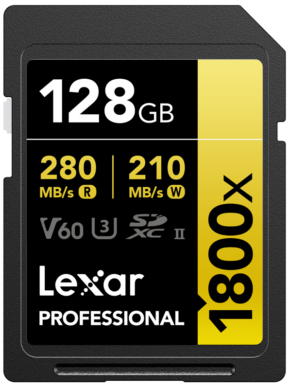
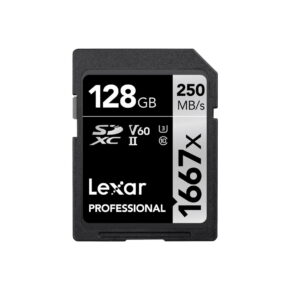
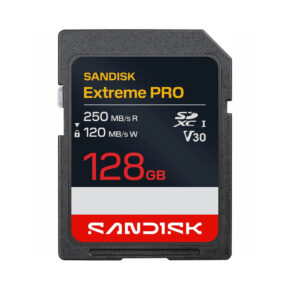
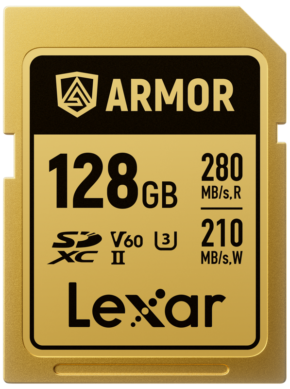
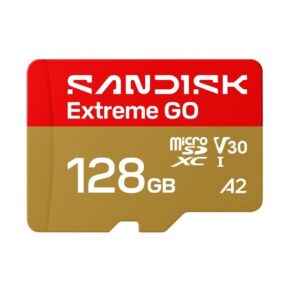
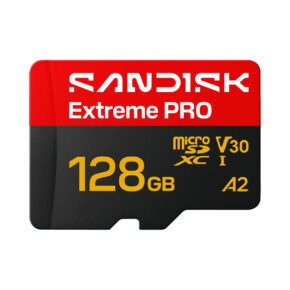
The microSD is the smallest memory card in terms of physical size, and is used in action cameras, drones, 360-degree cameras, mobile phones and games consoles. In terms of features, the microSD is equivalent to a standard SD card, and most cards come with an adapter for the SD format. New microSD Express is clearly faster than a traditional microSD card, and is required, for example, by the Nintendo Switch 2.
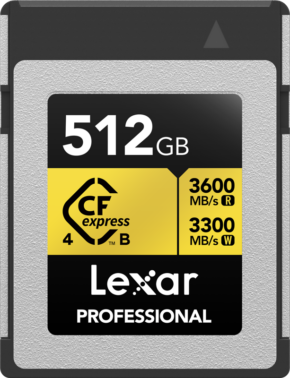
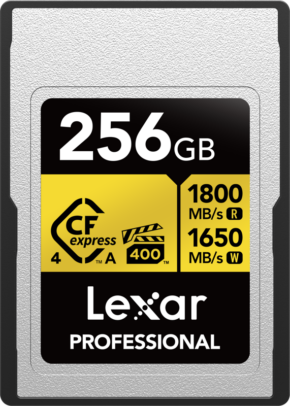
CFexpress cards are currently the fastest memory cards on the market and are used in the latest professional and advanced amateur cameras. There are two types of card:
Latest CFexpress 4.0 These cards are up to twice as fast as their predecessors and are also compatible with older CFexpress cameras. VPG400The - label guarantees a sustained write speed of at least 400 MB/s, which is sufficient even for the most demanding video recording.
A single RAW image typically takes up around 25–60 megabytes with current cameras, depending on the camera’s resolution. For video, the storage requirement depends on the bitrate: for example, a 4K video at 100 Mbps takes up around 45 gigabytes per hour, whilst a video at 200 Mbps takes up around 90 gigabytes per hour.
It is also worth remembering that Two smaller cards are safer than one large one. If a memory card is lost or becomes damaged, you won’t lose all your photos at once. If your camera has two memory card slots, use the second one as a backup for important shoots.
Many counterfeit memory cards are sold on online auction and discount websites; they look genuine but are slower or contain less storage space than advertised. In the worst-case scenario, your photos will be lost once the card is full. Buy your memory cards from a reputable retailer – all the Lexar, SanDisk and Angelbird cards we sell come via official importers.
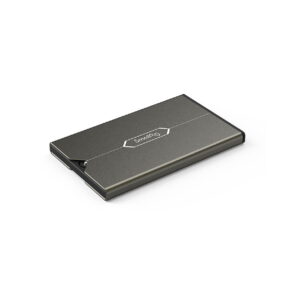
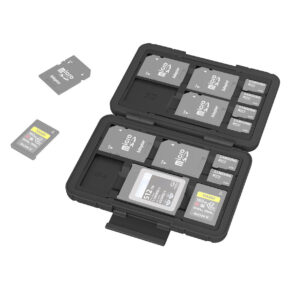
Storing your memory cards properly will extend their lifespan and reduce the risk of them breaking. Many camera bags and cases have dedicated pockets for memory cards, but a separate memory card case is the surest way to protect them from knocks, dust and moisture – especially as they can easily contain hundreds of euros’ worth of data.
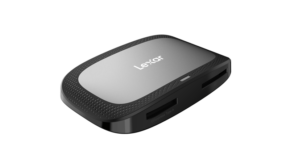
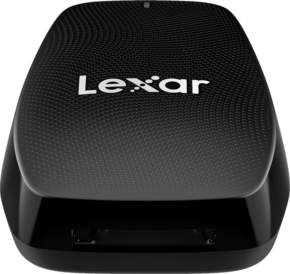
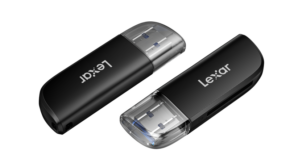
A memory card reader is the quickest and safest way to transfer photos to your computer. The most important thing is to make sure that the reader supports your type of card. Choose USB 3.2 -card reader: The Gen 1 interface transfers data at up to 5 Gbit/s and the Gen 2 interface at up to 10 Gbit/s. If you use UHS-II or CFexpress cards, the reader must support them in order to utilise the card’s full speed. If your camera uses two different types of card, it is advisable to choose a reader with multiple card slots.

Approximately 2,000–5,000 RAW images, depending on the camera’s resolution, and significantly more JPEG images. It can hold around 2.5 hours of 4K video at a bitrate of 100 Mbps.
Both are reliable brands, and cards from the same speed class are, in practice, equally good. Choose a card based on the speed class and storage capacity required by your camera, and buy it from a reputable retailer to ensure you get a genuine card.
Oh, and most microSD cards come with an adapter. However, the adapter adds an extra connection, which can slow the card down. If your camera has an SD card slot, a full-size SD card is the safer choice.
It’s worth doing. Format the card in the camera when you first start using it, and every time you’ve transferred your photos to a safe place. Formatting the card in the camera ensures it’s compatible with the camera and reduces the risk of errors. Do not format the camera’s card on a computer.
The card’s write speed is insufficient for the selected video mode or continuous shooting. Check the camera’s user manual for the required speed class. 4K video generally requires at least V30, and V60 or V90 for high bit rates.
This is often possible if the card has not been used since the files were deleted. Stop using the card immediately and try a data recovery programme, such as SanDisk’s or Lexar’s own software, or PhotoRec. Any new photos may overwrite the deleted files.
At the Foto Monzan online shop and Kouvola branch, you’ll find SD, microSD and CFexpress cards from Lexar, SanDisk and Sony, as well as card readers. Items in stock ordered before 2.30 pm on weekdays are dispatched the same day. Bring your camera to the shop and we’ll check which card is suitable for it. You can find all our cards from the memory card section.
If you’re not sure which card is suitable for your camera, just ask us – we’ll check the compatibility for you. Call us on 05-375 3220 or pop into our shop in Kouvola.